I only want the URLs that reside at the third level – i.e. /productpage/
Go to your XML sitemap – usually at Myshop.com/sitemap.xml
Right click and “save as” – save on your computer
Open Excel
Go to the Developer Tab (you might need to add this as it’s not there by default)
Click “Import”
Browse to find your sitemap.xml and import it into Excel
This usually pulls all your URLs into column 1 and other info like priority into separate columns
Delete all the columns except the first one with your URLs in it
Remove the https:// from the URLs with “find and replace” – On “Home” tab under “Find & Select” on the right
In cell B2 add the function: (change A2 – to the cell you have put the first URL in)
=LEN(A2)-LEN(SUBSTITUTE(A2,"/",""))
11. Drag the formula down the rest of column B
12. You can now order column B by the number of “/” found in each URL
If different categories have different folder structures then you can conditionally format and use different colours for different categories and then do a multiple criteria sort – by colour, then folder depth (column B)
You can download an example spreadsheet with the formula in here
The idea of technical SEO is to minimise the work of bots when they come to your website to index it on Google and Bing. Look at the build, the crawl and the rendering of the site.
To get started:
Crawl with Screaming Frog with “Text” Rendering – check all the structured data options so you can check schema (under Configuration – Spider – Extraction)
Crawl site with Screaming Frog with “JavaScript” rendering also in a separate or second crawl
Don’t crawl the sitemap.xml
This allows you to compare the JS and HTML crawls to see if JS rendering is required to generate links, copy etc.
Download the sitemap.xml – import into Excel – you can then check sitemap URLs vs crawl URLs.
Check “Issues” report under Bulk Export menu for both crawls
Also download or copy and paste sitemap URLs into Screaming Frog in list mode – check they all result in 200 status
*Great for tailoring copy and pages. Just turn it on and add query parameter
Summary:
– Perform a crawl with Screaming Frog – In Configuration – Crawl – Rendering – Crawl once with Text only and once with JavaScript
Check indexation with site: searches including:
site:example.com -inurl:www
site:*.example.com -inurl:www
site:example.com -inurl:https
– Search screaming frog crawl – for “http:” on the “internal” tab – to find any unsecure URLs
*Use a chrome plug in to disable JS and CSS*
Check pages with JS and CSS disabled – Are all the page elements visible? Do Links work?
Configuration Checks
Check all the prefixes – http, https and www redirect (301) to protocol your using – e.g. https://www.
Does trailing slash added to URL redirect back to original URL structure?
Is there a 404 page?
Robots & Sitemap
Is Robots.txt present?
Is sitemap.xml present? (and in the sitemap)
Is Sitemap Submitted in S.C.?
X-robots present?
Are all the sitemaps naming conventions in lower case?
Are the URLs correct in the sitemap – correct domain and correct URL structure?
Do sitemap URLs all 200? (including images) List Mode in Screaming Frog – “Upload” – Download sitemap – “ok”
For site migrations check – Old sitemap and Crawl Vs New – For example, Magento 1 website sitemap vs Magento 2 – anything missing or added – what are status codes?
– Status Codes – any 404s or redirects in SCreaming Frog crawl?
Rendering Check – Screaming Frog – also check pages with JS and CSS disable. Check links are present and work
Are HTML Links and H1s in the rendered HTML – check URL Inspection in Search Console or Mobile Friendly text?
Do pages work with JS disabled – links and images visible etc?
What hreflang links are present on the site?
Schema – Check all schema reports in Screaming Frog for errors
Sitemap Checks Are crawl URLs missing from the sitemap? (check sitemap Vs crawl URLs that 200 and are “indexable”
Site: scrape How many pages are indexed?
Do all the scraped URLs result in a 200 status code?
H1s Are any duplicate H1s? Are any pages missing H1s? Any multiple H1s?
Images Are any images missing alt text? Are any images too big in terms of KB?
Canonicals Are there any non-indexable canonical URLs?
Are any canonicals canonicalised? e.g. pages with different canonicals that arent simples/config products
URL structure Errors
Meta Descriptions Are any meta descriptions too short? Are anymeta descriptions too long? Are any meta descriptions duplicated?
Meta Titles Are any meta titles too short? Are anymeta titles too long? Are any meta titles duplicated?
Robots tags blocking any important pages?
Menu Is the menu functioning properly?
Pagination Functioning fine for UX? Canonical to root page?
Check all the issues in the issues report in Screaming Frog
PageSpeed Checks Lighthouse – check homepage plus 2 other pages
GTMetrix
pingdom
Manually check homepage, listing page, product page for speed
Dev Tools Checks (advanced) Inspect main elements – are they visible in the inspect window? e.g. right click and inspect the Headings – check has meta title and desc Check on mobile devices Check all the elements result in a 200 – view the Network tab
Console tab – refresh page – what issues are flagged? Unused JS in the elements tab – coverage
other Checks
Has redirect file been put in place? Have hreflang tags for live sites been added? Any meta-refresh redirects!?
Tech SEO 1 – The Website Build & Setup
The website setup – a neglected element of many SEO tech audits.
Storage Do you have enough storage for your website now and in the near future? you can work this out by taking your average page size (times 1.5 to be safe), multiplied by the number of pages and posts, multiplied by 1+growth rate/100
for example, a site with an average page size of 1mb with 500 pages and an annual growth rate of 150%
1mb X 1.5 X 500 X 1.5 = 1125mb of storage required for the year.
You don’t want to be held to ransom by a webhost, because you have gone over your storage limit.
How is your site Logging Data? Before we think about web analytics, think about how your site is storing data. As a minimum, your site should be logging the date, the request, the referrer, the response and the User Agent – this is inline with the W3 Extended Format.
When, what it was, where it came from, how the server responded and whether it was a browser or a bot that came to your site.
Blog Post Publishing Can authors and copywriters add meta titles, descriptions and schema easily? Some websites require a ‘code release’ to allow authors to add a meta description.
Site Maintenance & Updates – Accessibility & Permissions Along with the meta stuff – how much access does each user have to the code and backend of a website? How are permissions built in? This could and probably should be tailored to each team and their skillset.
For example, can an author of a blog post easily compress an image? Can the same author update a menu (often not a good idea) Who can access the server to tune server performance?
Tech SEO 2 – The Crawl
Google Index
Carry out a site: search and check the number of pages compared to a crawl with Screaming Frog.
With a site: search (for example, search in Google for site:businessdaduk.com) – don’t trust the number of pages that Google tells you it has found, scrape the SERPs using Python on Link Clump:
How to scrape Google SERPs in one click – Don’t use LinkClump, use the instructions on my blog post here to make your own SERP extractor
Too many or too few URLs being indexed – both suggest there is a problem.
Correct Files in Place – e.g. Robots.txt Check these files carefully. Google says spaces are not an issue in Robots.txt files, but many coders and SEOers suggest this isn’t the case.
XML sitemaps also need to be correct and in place and submitted to search console. Be careful with the <lastmod> directive, lots of websites have lastmod but don’t update it when they update a page or post.
Response Codes Checking response codes with a browser plugin or Screaming Frog works 99% of the time, but to go next level, try using curl and command line. Curl avoids JS and gives you the response header.
You need to download cURL which can be a ball ache if you need IT’s permission etc.
Anyway, if you do download it and run curl, your response should look like this:
Next enter an incorrect URL and make sure it results in a 404.
Canonical URLs Each ‘resource’ should have a single canonical address.
common causes of canonical issues include – sharing URLs/shortened URLs, tracking URLs and product option parameters.
The best way to check for any canonical issues is to check crawling behaviour and do this by checking log files.
You can check log files and analyse them, with Screaming Frog – the first 1,000 log files can be analysed with the free version (at time of writing).
Most of the time, your host will have your logfiles in the cPanel section, named something like “Raw Access”. The files are normally zipped with gzip, so you might need a piece of software to unzip them or just allow you to open them – although often you can still just drag and drop the files into Screaming Frog.
Lighthouse Use lighthouse, but use in with command line or use it in a browser with no browser add-ons.If you are not into Linux, use pingdom, GTMetrix and Lighthouse, ideally in a browser with no add-ons.
Look out for too much code, but also invalid code. This might include things such as image alt tags, which aren’t marked up properly – some plugins will display the code just as ‘alt’ rather than alt=”blah”
Javascript Despite what Google says, all the SEO professionals that I follow the work of, state that client-side JS is still a site speed problem and potential ranking factor. Only use JS if you need it and use server-side JS.
Use a browser add-on that lets you turn off JS and then check that your site is still full functional.
Schema
Finally, possibly in the wrong place down here – but use Screaming Frog or Deepcrawl to check your schema markup is correct.
You can add schema using the Yoast or Rank Math SEO plugins
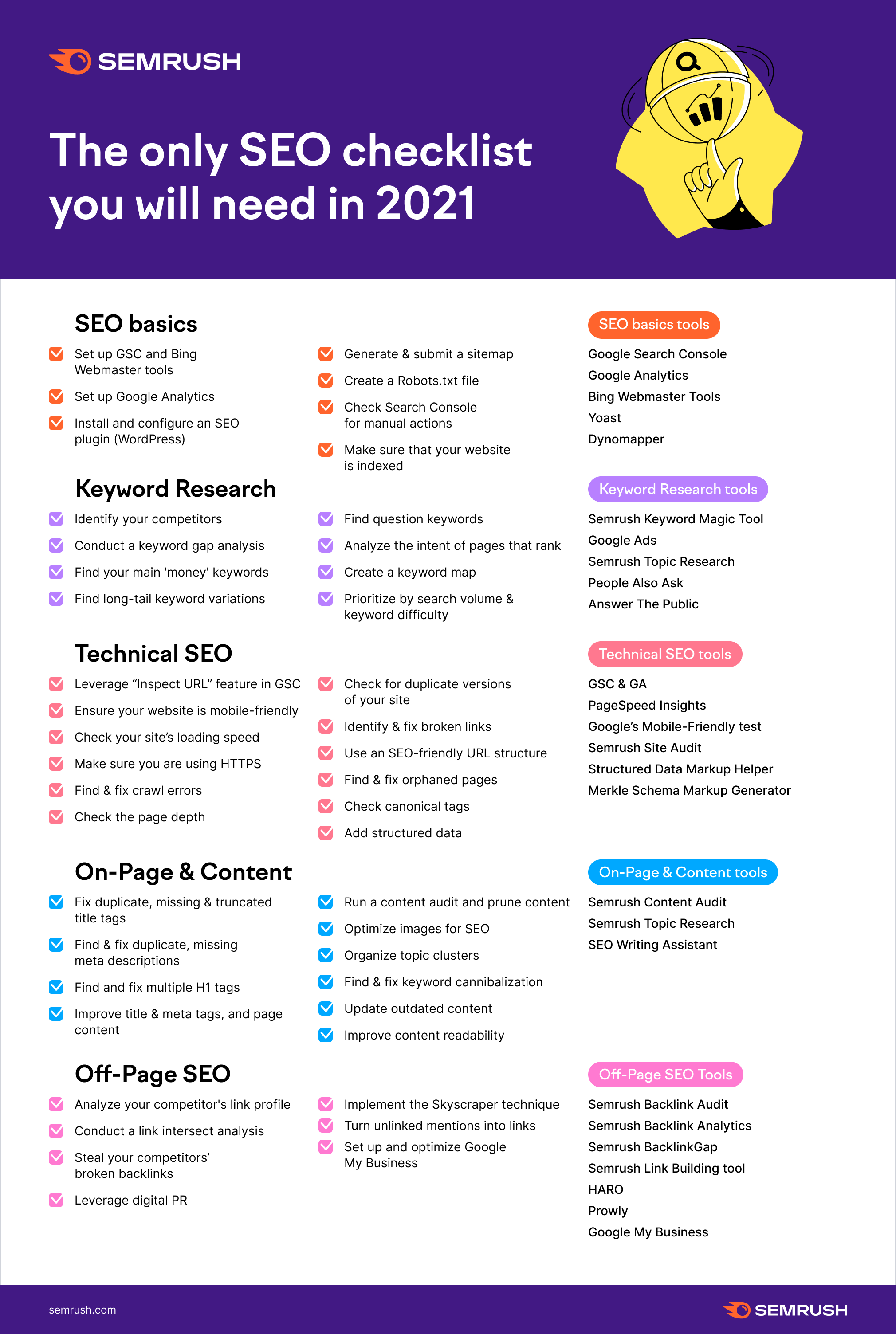
The Actual Tech SEO Checklist (Without Waffle)
Basic Setup
Google Analytics, Search Console and Tag Manager all set up
Site Indexation
Sitemap & Robots.txt set up
Check appropriate use of robots tags and x-robots
Check site: search URLs vs crawl
Check internal links pointing to important pages
Check important pages are only 1 or 2 clicks from homepage
For render blocking JS and stuff, there are WordPress plugins like Autoptimize and the W3 Total Cache.
Make sure there are no unnecessary redirects, broken links or other shenanigans going on with status codes. Use Search Console and Screaming Frog to check.
Site UX
Mobile Friendly Test, Site Speed, time to interactive, consistent UX across devices and browsers
Consider adding breadcrumbs with schema markup.
Clean URLs
Image from Blogspot.com
Make sure URLs – Include a keyword, are short – use a dash/hyphen –
Secure Server HTTPS
Use a secure server, and make sure the unsecure version redirects to it
Allow Google to Crawl Resources
Google wants to crawl your external CSS and JS files. Use “Fetch as Google” in Search Console to check what Googlebot sees.
Hreflang Attribute
Check that you are using and implementing hreflang properly.
Tracking – Make Sure Tag Manager & Analytics are Working
Check tracking is working properly. You can check tracking coed is on each webpage with Screaming Frog.
Internal Linking
Make sure your ‘money pages’ or most profitable pages, get the most internal links
Content Audit
Redirect or unpublish thin content that gets zero traffic and has no links. **note on this, I had decent content that had no visits, I updated the H1 with a celebrity’s name and now it’s one of my best performing pages – so it’s not always a good idea to delete zero traffic pages**
Consider combining thin content into an in depth guide or article.
Use search console to see what keywords your content ranks for, what new content you could create (based on those keywords) and where you should point internal links.
Use Google Analytics data regarding internal site searches for keyword and content ideas 💡
Update old content
Fix meta titles and meta description issues – including low CTR
Find & Fix KW cannibalization
Optimize images – compress, alt text, file name
Check proper use of H1 and H2
See what questions etc. are pulled through into the rich snipetts and answer these within content
Click “Pages” (near the bottom-third of the page on the left)
Click on a high-performing post in terms of Impressions and Clicks in google
With the specific page/post selected, click on queries
Make a note of all relevant queries in the top 100
See if these queries can be added to the ranking post
Find any queries that are not directly related to your post
Create a new post specifically about this/these queries (if you rank for it without a specific post – you’ll rank better with a specific post for that query)
In the original post – put an internal link to the new post
For some blogs and websites, even keywords with 0 monthly searches may be relevant.
My other blog – blackbeltwhitehat.com has built all of its traffic off KWs that Google KW planner says has 0 searches.
It all depends on how authoritative your website is and your competitors are. You can go after bigger, more popular KWs if you are a huge website with a DA of 90. It’s a different ball game if you are running a personal blog with a DA of 15
Try and include a number of the relevant searches in your articles etc.
Check Competitors & KWs Their Relevant Pages Rank for
If you have a tool like semrush.com,
Check what keywords competitors are ranking for.
If your head keyword is “football goals”, see who’s ranking top 5 for that term and see what other keywords the top URLs are ranking for.
If you don’t have an SEO Tool, you can just check the copy and meta title & description to see what keywords the top websites are trying to opimise for.